
Grades 3–5
Upper elementary
Free classroom resources · Grades 3–10
Use the app for reading checks and reports. Practice on screen or on paper.
Use the app, the paper versions or both. Every paper file has a separate teacher key, so student copies never show answers.
Upper elementary
Middle school
High school
The apps open in your browser without student accounts. Each grade band keeps its own records. The grades 6–8 and 9–10 apps are pilot editions.
Grades 3–5
The demo and extra teaching lessons below feature grades 3–5. The app setup and backup steps apply to all three grade bands.
A short walkthrough of the Making Inferences path with a fictional student: the report, the student’s answers, a matching lesson and Guided Practice. Narrated by Mike McManamen. Vocabulary has a similar check, practice and Follow-Up workflow.
Fictional student and results. Screens are from the app; captions are on screen.
If a student misses five inference questions, I want to know more than the total score.
In this fictional example, the student reads four short passages and answers without hints.
The report lets me see the answers, not just the numbers. Four of the inference misses are ideas the text doesn’t support.
Before I make a group, I’d ask the student what led to one of those answers. Then I can choose a lesson that teaches how to use clues to support an answer.
The app also includes guided practice with a model and help. After teaching and practice, I’d use different passages to check again.
I built Pole Mountain Reading Check to help teachers see what to teach next. It’s free for grades three through five. Try it with one small group.
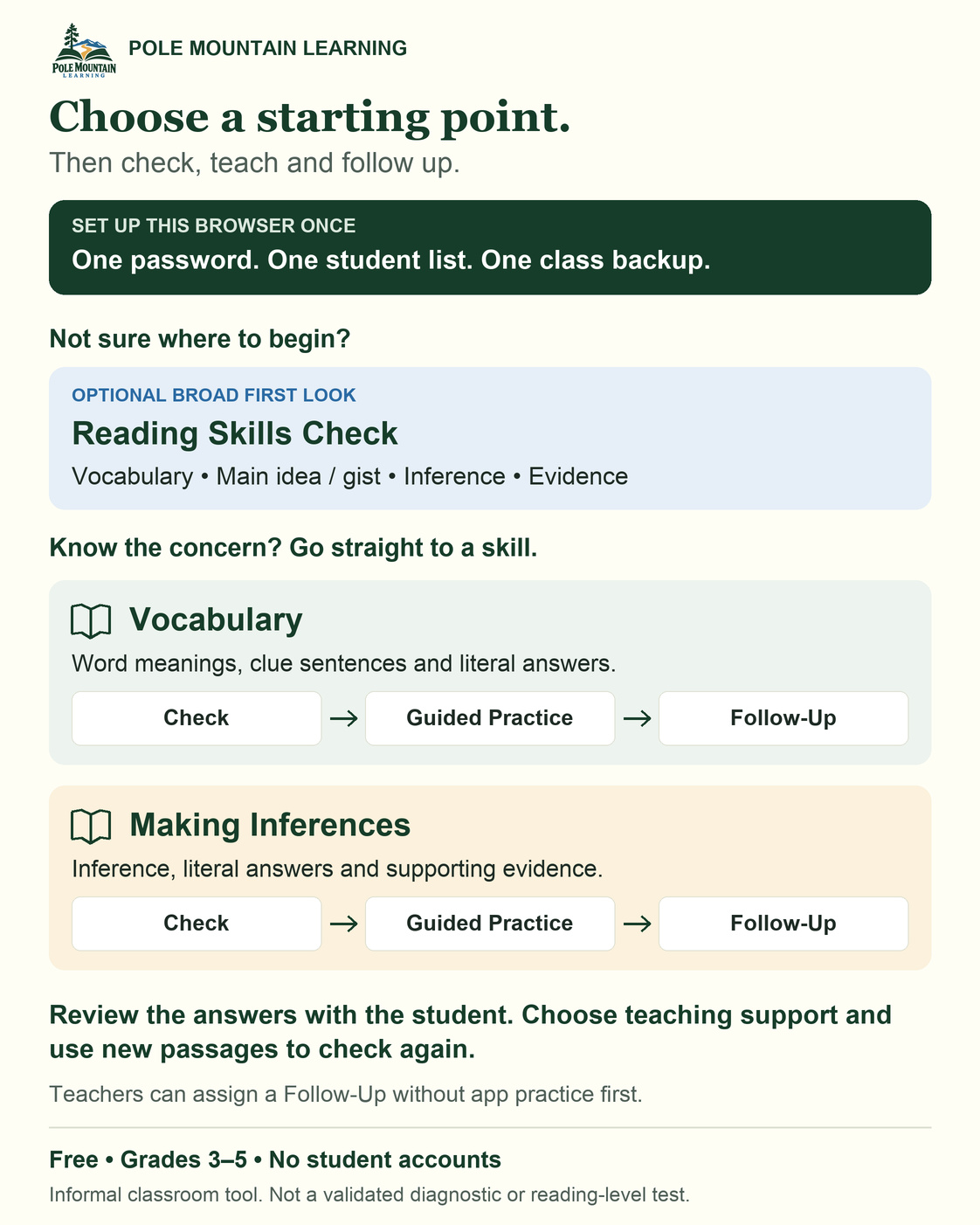
Two skills have a complete path: a check, Guided Practice and a Follow-Up Check on four new passages. You assign each step when it fits. The broad check is optional. Each check is 4 short passages and about 20 questions; plan about 20–30 minutes (an estimate, not a classroom-measured time). Students can stop after any finished passage and pick up later.
Four passages and 20 questions across vocabulary, main idea or story gist, inference and choosing evidence, with literal questions alongside. Use it when you want a wider view before choosing a focus. It is an informal classroom starting point, not a validated screener.
Vocabulary Check → Guided Practice → Follow-Up Check. Reports count word meanings, word evidence and literal answers separately. Practice has three stages and records first choices, later tries, hints and an explanation. Practice is not required before the Follow-Up; you might teach it your own way first.
Reading Check → Guided Practice → Follow-Up Check. Reports help you review inference, literal and evidence answers, name the kind of answer a student chose, and link to a matching printable lesson below.
Open the app and choose Set up this device: create a teacher password and add students with short labels such as initials or numbers (never full names).
In the teacher area, choose the optional Reading Skills Check or assign an activity in Vocabulary or Making Inferences. Until you do, students see “Your teacher will choose your first activity.” Then hand the device to students.
Read each passage to the end. If the passage needs scrolling, reach the end to open the answers. Then answer its questions, and finish a passage before taking a break. No hints during a check. Teachers choose when to assign Guided Practice or a Follow-Up Check. Each Follow-Up starts with the teacher’s password.
On the student’s device, choose View report and enter the teacher password. If students use your device, their results also appear in your Class report. Talk with the student about an answer, then assign the next activity, put students in your own teaching groups and save notes. Back up class results after the session.
For a class using separate devices, move results to the teacher’s device with the results-file tools. QR codes carry the Making Inferences checks only, not the Reading Skills Check or the vocabulary checks; for those, and for practice, use View report on the student’s device or a results file. QR transfer still needs testing with real cameras.
Help students in grades 3–10 practice question formats used on WY-TOPP and give short reading skill checks inspired by NAVVY. Print student pages and teacher keys separately.
Use the answer patterns alongside classroom work to decide what to teach next. Record results on the class tracker (PDF, 1 page). These are original Pole Mountain Learning classroom materials. They are not official WY-TOPP, Pearson, or NAVVY assessments.
| Inference Check, Form A: first check | Student (PDF, 10 pages) | Teacher key (PDF, 4 pages) |
| Inference Check, Form B: follow-up on new passages | Student (PDF, 10 pages) | Teacher key (PDF, 4 pages) |
| Vocabulary Check, Form V: first check | Student (PDF, 10 pages) | Teacher key (PDF, 3 pages) |
| Vocabulary Check, Form W: follow-up on new passages | Student (PDF, 10 pages) | Teacher key (PDF, 3 pages) |
| Reading Skills Check, Form S: optional broad first look | Student (PDF, 10 pages) | Teacher key (PDF, 4 pages) |
| Inference Skill Check, Try 1 (6 questions) | Student (PDF, 3 pages) | Teacher key (PDF, 2 pages) |
| Inference Skill Check, Try 2 (6 questions) | Student (PDF, 3 pages) | Teacher key (PDF, 2 pages) |
| Guided Practice: Making Inferences and Vocabulary, step by step | Student (PDF, 6 pages) | Teacher key (PDF, 2 pages) |
| Inference Check, Form A: first check | Student (PDF, 9 pages) | Teacher key (PDF, 4 pages) |
| Inference Check, Form B: follow-up on new passages | Student (PDF, 9 pages) | Teacher key (PDF, 4 pages) |
| Vocabulary Check, Form V: first check | Student (PDF, 9 pages) | Teacher key (PDF, 4 pages) |
| Vocabulary Check, Form W: follow-up on new passages | Student (PDF, 9 pages) | Teacher key (PDF, 4 pages) |
| Reading Skills Check, Form S: optional broad first look | Student (PDF, 9 pages) | Teacher key (PDF, 4 pages) |
| Inference Skill Check, Try 1 (6 questions) | Student (PDF, 4 pages) | Teacher key (PDF, 2 pages) |
| Inference Skill Check, Try 2 (6 questions) | Student (PDF, 4 pages) | Teacher key (PDF, 2 pages) |
| Guided Practice: Making Inferences and Vocabulary, step by step | Student (PDF, 6 pages) | Teacher key (PDF, 2 pages) |
| Inference Check, Form A: first check | Student (PDF, 12 pages) | Teacher key (PDF, 4 pages) |
| Inference Check, Form B: follow-up on new passages | Student (PDF, 12 pages) | Teacher key (PDF, 4 pages) |
| Vocabulary Check, Form V: first check | Student (PDF, 13 pages) | Teacher key (PDF, 4 pages) |
| Vocabulary Check, Form W: follow-up on new passages | Student (PDF, 13 pages) | Teacher key (PDF, 4 pages) |
| Reading Skills Check, Form S: optional broad first look | Student (PDF, 12 pages) | Teacher key (PDF, 4 pages) |
| Inference Skill Check, Try 1 (6 questions) | Student (PDF, 4 pages) | Teacher key (PDF, 2 pages) |
| Inference Skill Check, Try 2 (6 questions) | Student (PDF, 4 pages) | Teacher key (PDF, 2 pages) |
| Guided Practice: Making Inferences and Vocabulary, step by step | Student (PDF, 8 pages) | Teacher key (PDF, 2 pages) |
An Inference Skill Check uses passages from the full Form A or B, so give a student one or the other. The paper items also appear in the apps and games, so note any earlier exposure. Free for classroom use.
Free teaching resources · Pilot edition 3
Six short teacher-led lessons for inference and evidence needs, for one student or a small group, grades 3–5. Each has a teacher guide with exact prompts and answer keys, new passages (none from the app checks), cut-apart cards and a fresh exit check. Start with the support guide: it also has vocabulary, main idea / gist and word-reading follow-up routines. For printable vocabulary and inference practice, choose the paper packet for your grade band.
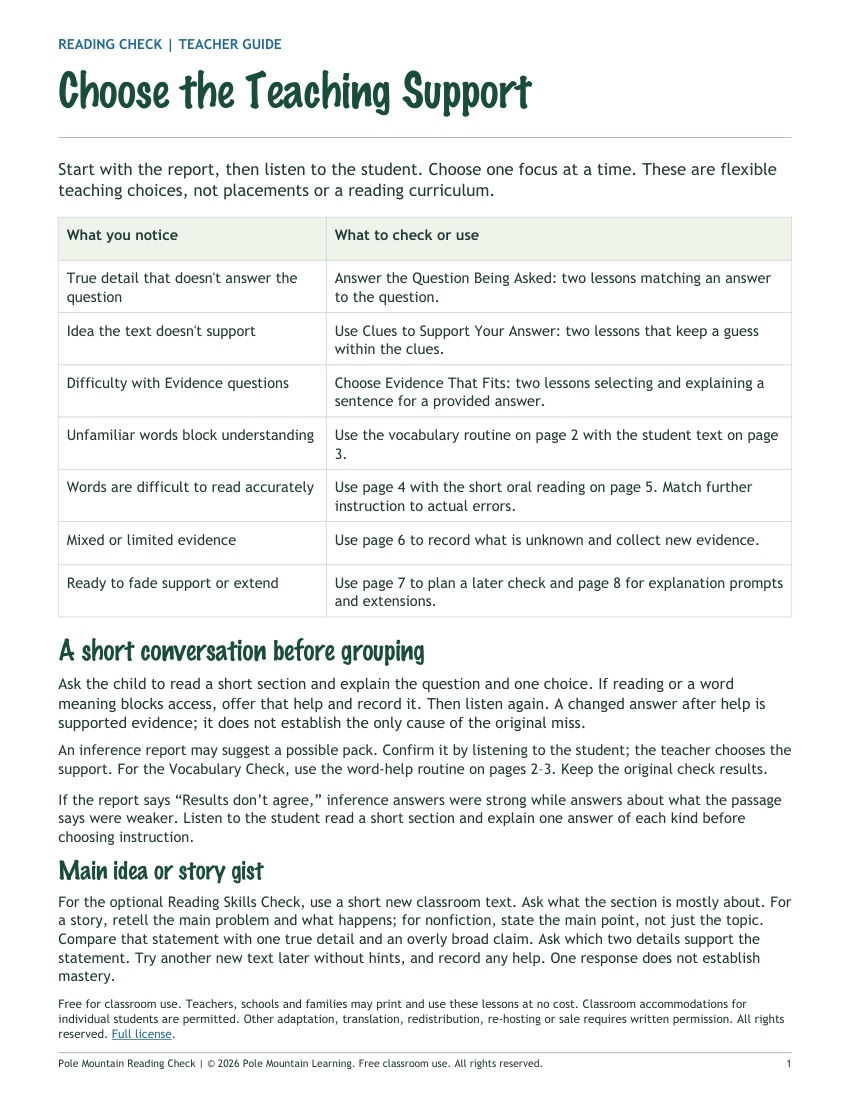
Match what the report shows to the right lesson, check vocabulary and word reading, and plan the next check.
Download (PDF, 8 pages)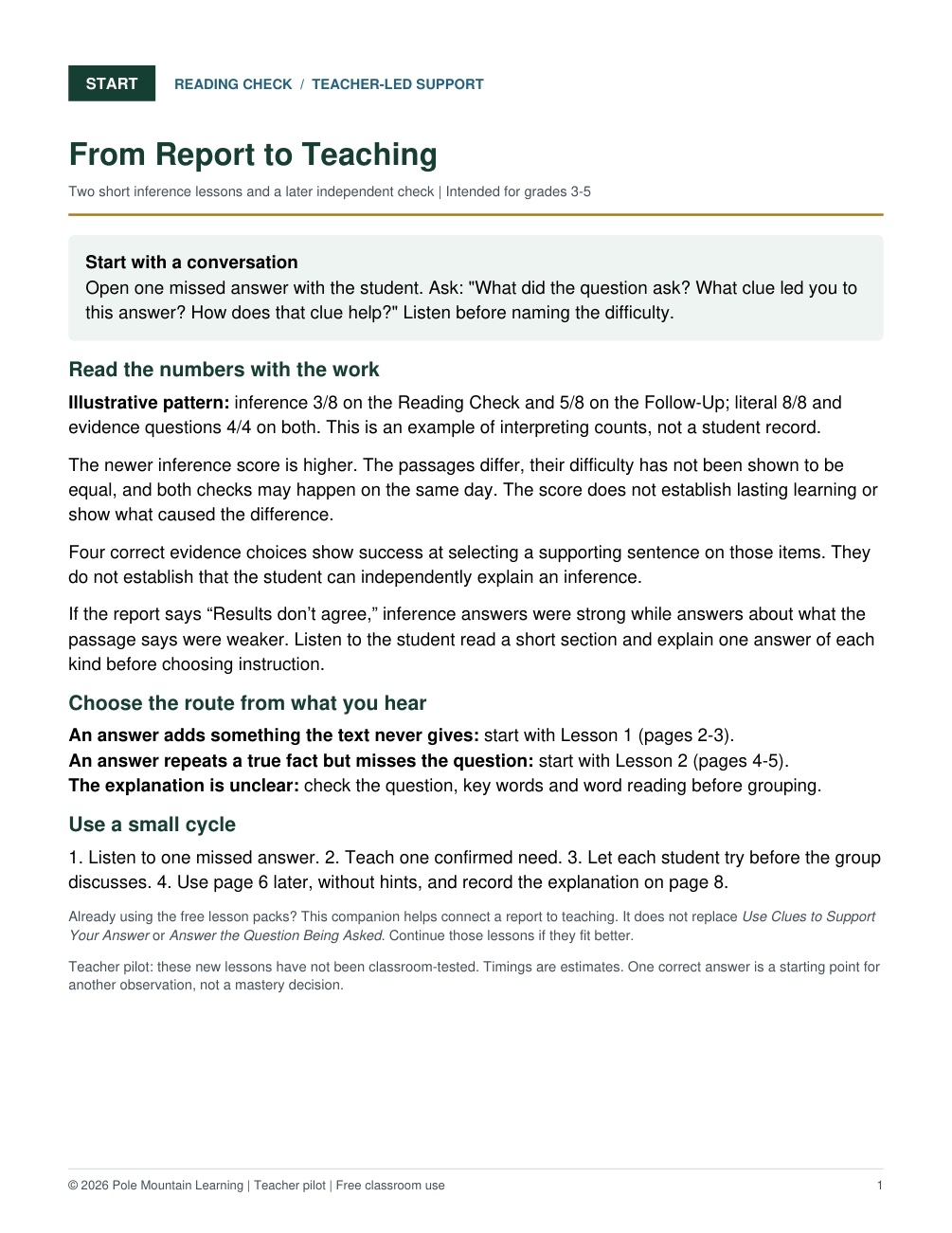
For Making Inferences results. Two teacher-led inference lessons with new passages, exact prompts, student practice, answer guidance and a later independent check. Start by reviewing a missed answer with the student.
Download (PDF, 8 pages)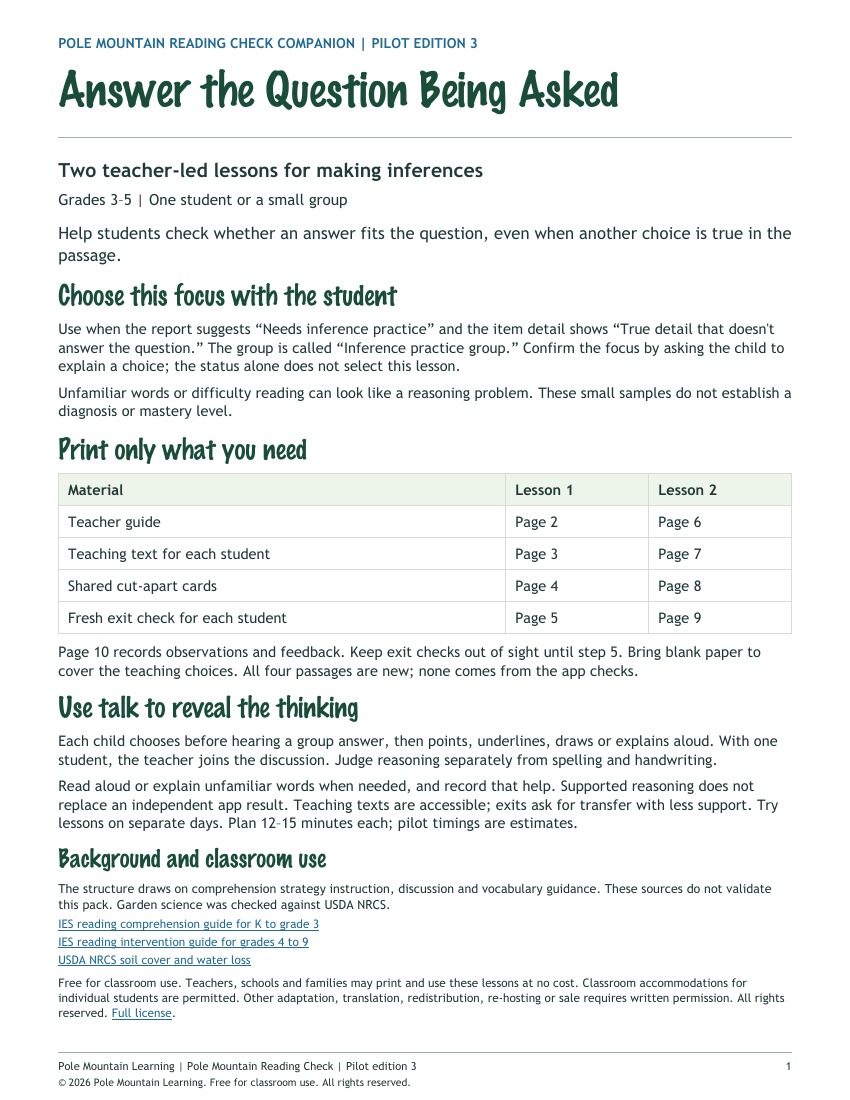
For “True detail that doesn’t answer the question.” Two lessons on choosing an answer that fits the question.
Download (PDF, 10 pages)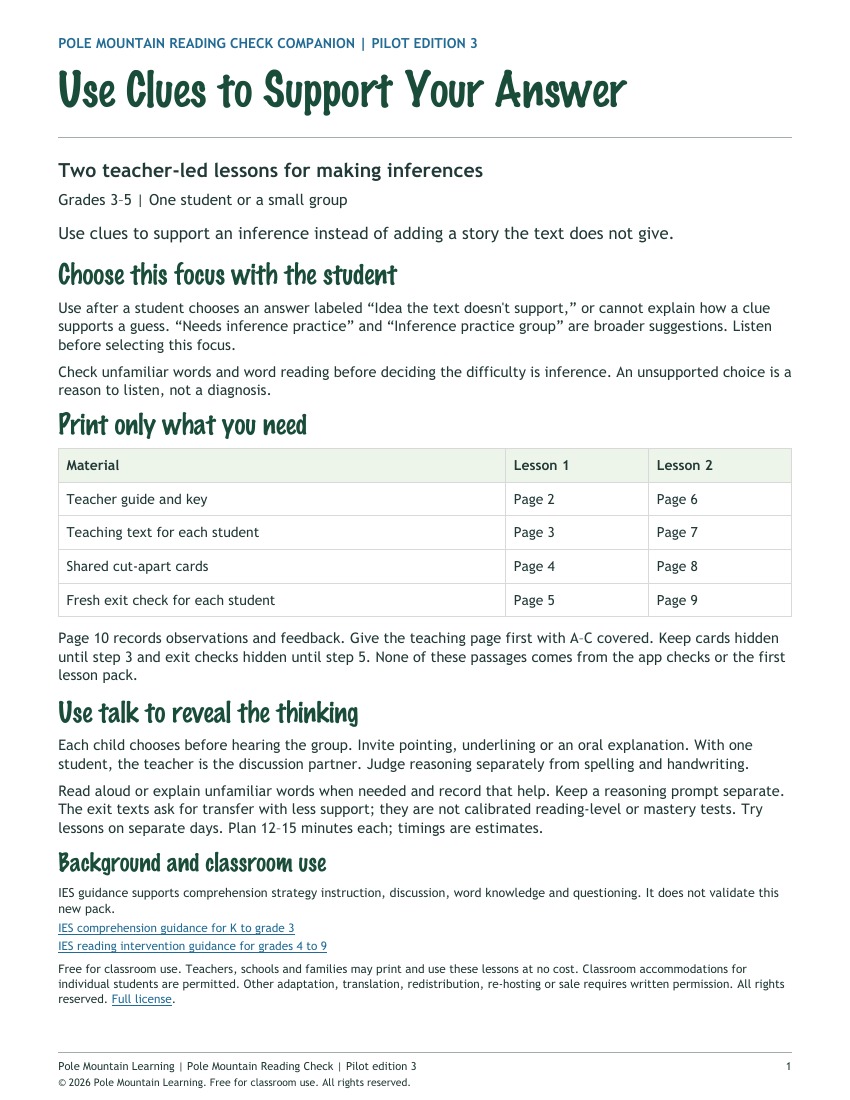
For “Idea the text doesn’t support.” Two lessons on keeping an inference within the clues.
Download (PDF, 10 pages)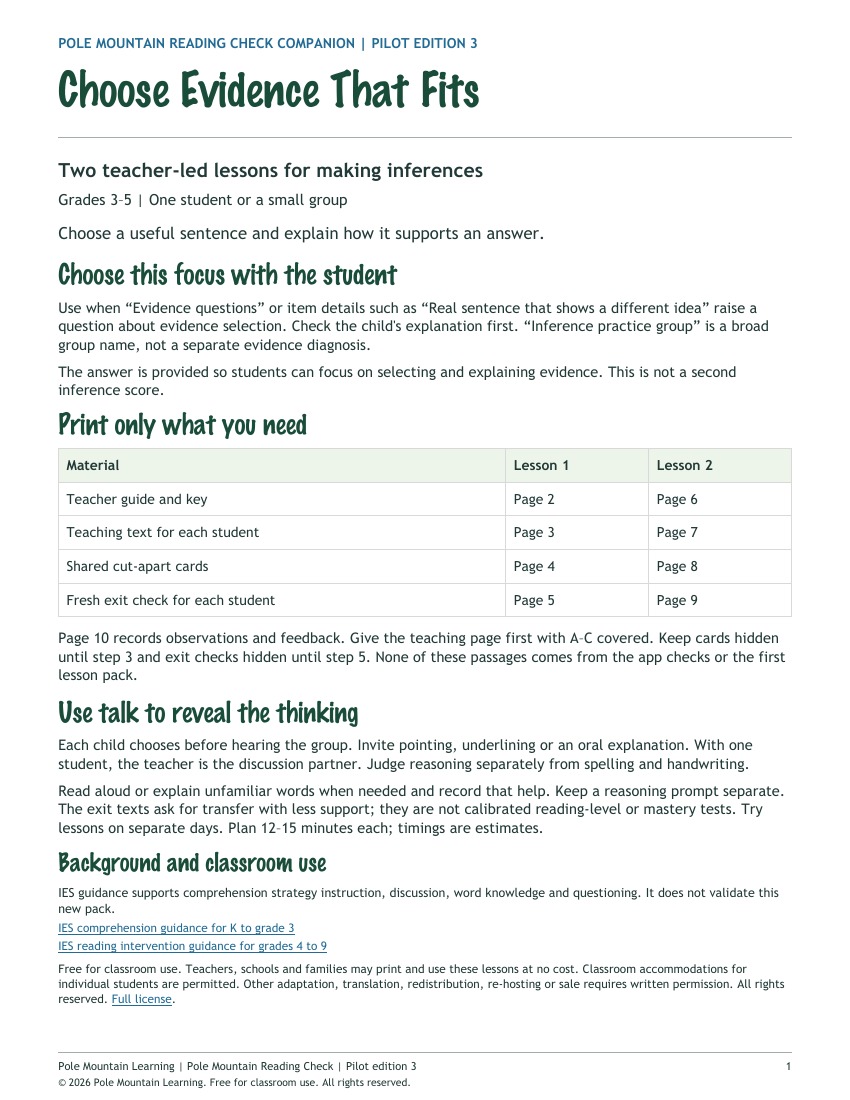
For missed Evidence questions. Two lessons on choosing a supporting sentence and explaining why it fits.
Download (PDF, 10 pages)Pilot edition: not yet tested in classrooms, and lesson timings are estimates. Tell us how they worked: hello@polemountainlearning.com (no student names or work, please). Free for classroom use. Classroom accommodations for individual students are permitted. © 2026 Mike McManamen. All rights reserved. License
The app saves progress on this device in this browser. It does not automatically upload student responses to Pole Mountain Learning or send them to an AI service. Nothing is shared unless you choose a sharing option.
The teacher password controls the app's adult screens; it does not encrypt saved data. Use a school-approved device and browser.
Clearing browser data, using a private or Guest window, or a school's sign-out settings can erase progress. Use Check this device in the teacher area before relying on saved results, and save a class-file backup after a session.
Students on different devices do not automatically appear in the same class report. The easiest first session is a small group using the teacher's device.
Pole Mountain Reading Check shows the counts and each student’s answers, so you can choose the next step. Results on the new question formats give no automatic suggestions or score comparisons. It is a classroom tool in a pilot edition, not a validated diagnostic, reading-level test or mastery measure. A first check and its Follow-Up use different passages that have not been shown to be equally difficult, so a score difference alone does not prove learning. Practice evidence is kept separate from check scores. Use Chrome on a Chromebook or computer, and check saving and reopening on your school’s devices before relying on saved results.
This is a free teacher pilot. Try it with a small group first, then tell us three things: Could you get started easily? Did the report help you choose what to teach? What confused you? Please keep student names and information out of feedback.
Grades 6–8: pilot release 2.3 · November 9, 2026 · Grades 9–10: pilot release 2.2 · November 6, 2026
Grades 3–5: public release 2.2 · November 6, 2026 · Reading Skills Check (optional) · Vocabulary and Making Inferences, each with a check, Guided Practice and a Follow-Up Check
Pole Mountain Reading Check is free for classroom use. © 2026 Mike McManamen. Classroom accommodations for individual students are permitted; other copying, adaptation or sale needs written permission. License