Free vocabulary practice | Grades 3-5 | No online account
Vocabulary Mountain Adventures: Mountain Bike Challenge
Find the meaning. Follow the clues. Choose what to practice next.
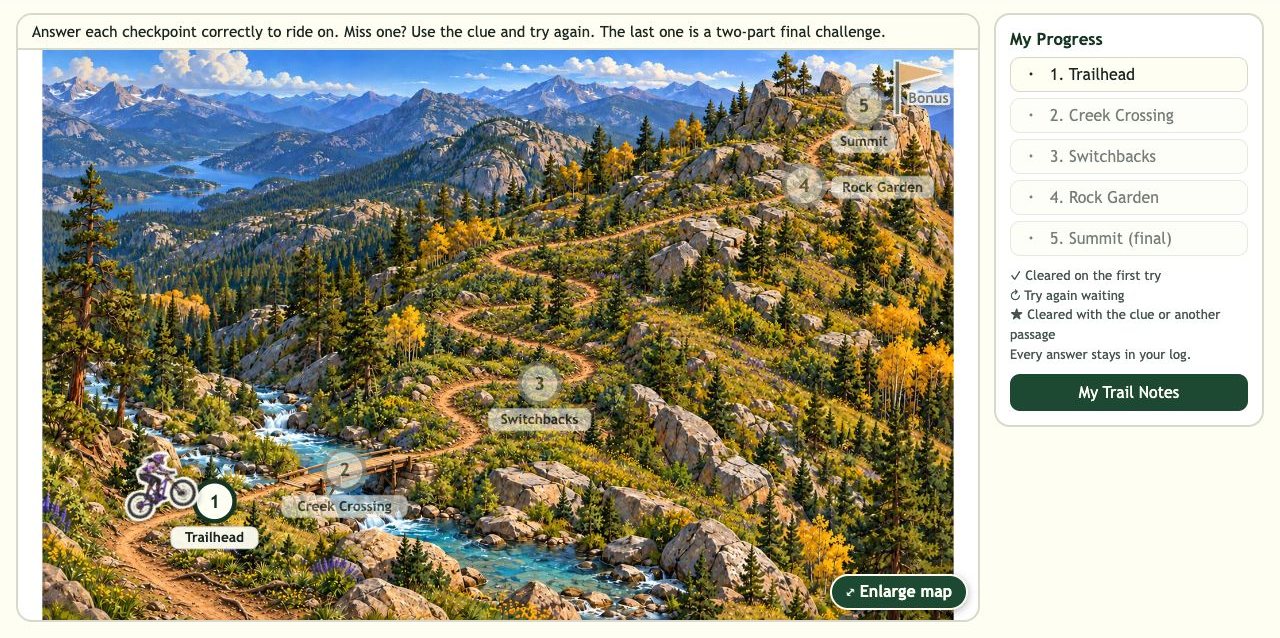
Choose one of eight mountain bikers and explore five trails while practicing words and phrases in short passages. Each ride has five checkpoints. The final challenge asks for a meaning and the detail that best supports it.
Pole Mountain Learning: Simple to use. Designed for meaningful vocabulary practice.
Why I built Vocabulary Mountain Adventures
In my work with Wyoming schools, vocabulary kept appearing as a concern in the stoplight reports from WY-TOPP, the Wyoming Department of Education’s state assessment. I built Vocabulary Mountain Adventures: Mountain Bike Challenge to give students a fun way to practice the word-meaning and evidence skills used in standards-based reading assessments. The original passages focus on context, multiple meanings, word parts and figurative language, informed by Wyoming standards and public Pearson/NAVVY resources.
Students use clues, try again, reflect on what helped and choose words to revisit. My Trail Notes makes their practice progress visible; teacher reports are optional. The focus is on students understanding their own learning and deciding what to practice next.
Mike McManamen, Pole Mountain Learning
Your learning, your next step
If an answer does not fit, use a clue or reread the passage, then try the same question again. If you still need help, the game explains the answer before offering another passage. Your first answer stays in your learning history.
Say how sure you feel, or skip that step. Use Read to me when your browser supports spoken reading. An occasional optional question lets you choose a sentence that helped.
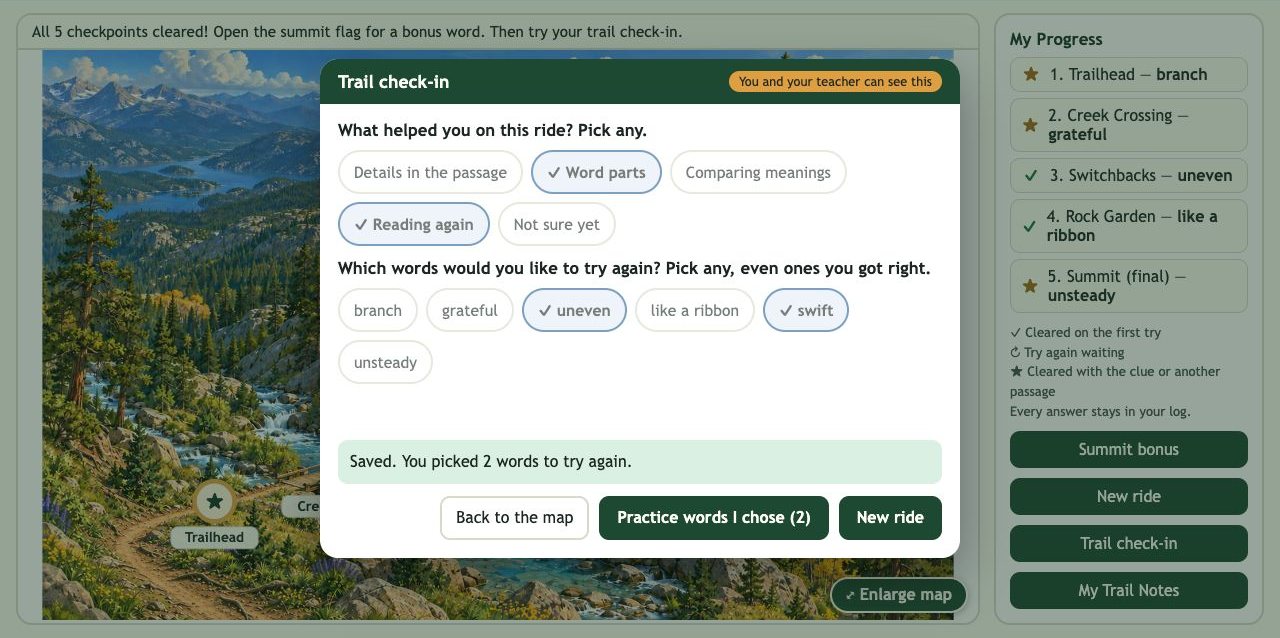
In My Trail Notes, review your words and choose what to practice again, including words you got right. An optional trail check-in helps you notice the strategies you used. You and your teacher can see these reflections; they never change correctness.
New rides, more chances to learn
The bank includes 108 vocabulary targets and 216 original passages, with 36 targets per grade. Rides favor unseen words, then bring familiar words back in other contexts as you use the bank. Practice includes meaning in context, multiple meanings, word parts, figurative language and evidence.
Teacher reports when you want them
Students enter their initials or a code you give them. Give each student a distinct code if they share a browser. Returning students tap their saved name tag. Each profile keeps its own answers and notes in that browser.
To see results, open My Trail Notes and choose Teacher reports. There is no password or setup code. Results stay in that browser on that device, and anyone using the same browser can see them, so treat them as practice notes, not grades. Students can play, reflect and choose practice without opening reports, and a student can erase their own results from My Trail Notes.
Reports preserve first answers, supported corrections, fresh-passage practice and later review. Meaning and evidence appear separately in the skill summary. Confidence and reflections are labelled as self-reports. Print a report or save the selected student's results as a CSV file when needed.
Use a consistent browser
A computer, Chromebook or iPad gives a larger map. Phones have less room for trail labels. Read-aloud availability depends on the browser and device.
Answers and notes are saved in this browser on this device. They do not automatically move to another browser or device, and clearing browser data can remove them.
On Chromebooks where students sign in separately, results stay with each student's browser profile. Open reports there or collect the CSV files. Guest or temporary sessions may discard progress at sign-out. A consistent practice station or shared class browser profile can keep local name tags together.
No devices? Print the trips
Each printable trip matches one level of the online game (five rides), with the same pictures, checkpoints, questions and answers. Copy the Student trips for students. Keep the Teacher guide and key for yourself: how to run a trip, the answers, why each answer fits, what common wrong answers usually mean and a class record sheet. Students keep their first answer and mark a fix with a star, as in the game.
Free for classroom use. The paper trips use the same questions as the online game, so a student who played online may have seen some. Not an official Pearson, NAVVY or WY-TOPP assessment.
Help improve the free game
Teachers trying the game are our pilot. Tell us the grade, what worked, what confused learners and any question that needs another look. Please do not include student names or student information.